


Wireless Broadband
Wireless Broadband
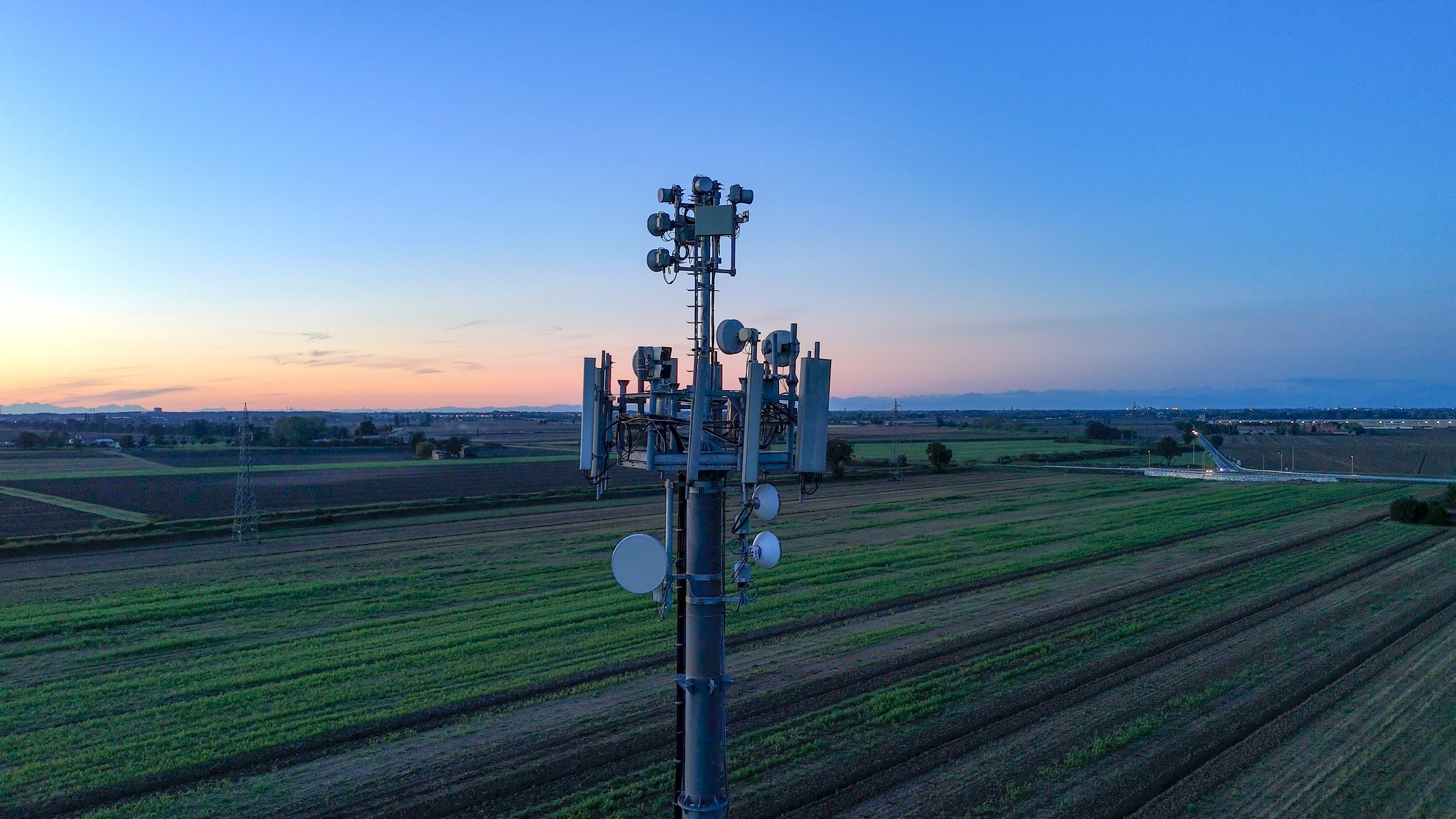
Wireless Broadband gives your business fast dependable broadband over the ultra-reliable Spark 4G Mobile network for a more economical price to other broadband products.
Wireless broadband provides fast, reliable connectivity without the need for fibre infrastructure. Ideal for small and medium businesses, remote locations, temporary sites, or as a resilient backup connection, it offers a flexible way to stay connected and productive.
And there is nothing to install – just plug in the wireless router, turn it on and you’re up and running.
Why choose Wireless Broadband?
Wireless broadband is a great fit for businesses that need fast deployment, flexibility, or connectivity in locations where fibre isn't available or practical.
-
High Speed: A super fast 4G Internet connection.
-
Quickly Installed: Operational in minutes, not weeks.
-
Easy Setup: Plug it in and its ready to go!
-
Coverage: Excellent where Fibre or DSL isn’t available.
-
Business Continuity: Use Wireless Broadband as a backup if your primary internet connection fails.
-
Remote: Enable remote locations and workers with ease.

Two simple plans:
Wireless Broadband 300GB
$79 + GSTWireless Broadband 1TB
$89 + GSTFAQs
Individual customers will experience different speeds at different times – sometimes higher and sometimes lower. Factors such as the performance of your modem, location of the server you’re connected to, the performance of your device and your in-home WiFi setup can impact the speeds experienced.
For wireless connections, factors such as the distance you are from a cell tower, the network capability and the overall use of that cell tower by other consumers can impact the speed experienced.
Plan speeds
Reported speeds shown are national peak time average speeds based on the Commerce Commission's Measuring Broadband New Zealand (MBNZ) report:
You may experience higher or lower speeds than this. Using an older modem may impact your speeds.
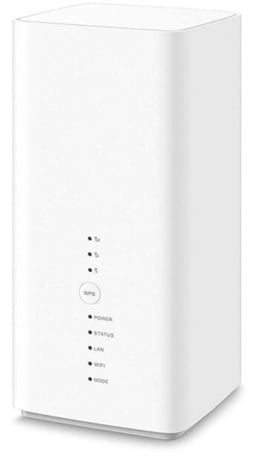
No - Only Digital Island provided modems can be used with this Wireless plan.
A modem is included in the monthly charge on a 24 month term. A shipping fee of $13 applies.
- Your Modem
- A power supply cable
- A blue ethernet cable
- A yellow ethernet cable
- A grey phone cable
- A safety guide
Choose a spot for the modem.
The spot will need to be near a power outlet, near a window and a central location for your office.
Plug your modem into a power outlet using the power cable and turn it on.
Wait while the modem connects to the network. This can take up to five minutes.
Check the colour of the 4G LTE light on the front of the modem. For the best performance, the light should be green.
If the light isn't green, move your modem closer to the window for a better signal.
Connect your computer, mobile or tablet to Wireless Broadband - On your computer, mobile or tablet, look for your modem on the list of WiFi networks. You can find your modem's name on the back of your modem.
Select your modem from the list - Type in the password (also on the back of your modem). When it connects, you can start browsing the internet. If your computer doesn't have WiFi, connect your computer to the modem using an ethernet cable.
Connect your landline - If you have a landline service with your Wireless Broadband, follow these steps:
- Plug the grey phone cable into your phone and then plug the other end into your modem. Make sure you plug your phone into a power socket as well.
- Check for a dial tone.
- If you can't hear a dial tone, turn your modem off and on again. If it's a new landline, it can take up to 30 minutes to activate.
- When you can hear a dial tone, your phone is set up.
Let us help get you connected
Talk to our team about how Wireless Broadband could work for your business.